
Steam gift cards are one of the easiest ways to add funds to your Steam wallet or send a gift to a fellow gamer. But just like any digital payment method, things can go wrong. A Steam gift card error at the wrong moment can be genuinely frustrating. Imagine it happening right before a sale ends or when you're trying to redeem a gift!!
The good news is that most Steam card errors are fixable. In this blog you can go through the most common Steam gift card errors in 2026, what causes them, and exactly how to sort them out.
Why Do Steam Gift Card Errors Happen?
Before trying different fixes, it’s important to understand why Steam gift card errors happen in the first place. In most cases, the problem is not because the gift card itself is damaged or fake. Usually, the error is caused by a simple issue related to the code, account or temporary system problems on Steam’s side. Before you try to trade it, try to know more about Steam gift cards.
Here are some of the common reasons for Steam gift card errors happening.
• The code was entered incorrectly
• The card was already redeemed by someone else
• The card isn't valid in your region
• Your account has triggered a temporary restriction
• There's a minor technical glitch on Steam's end
Understanding the root cause makes it much easier to apply the right fix. The next section breaks down each of these scenarios in detail, along with clear steps to resolve them.
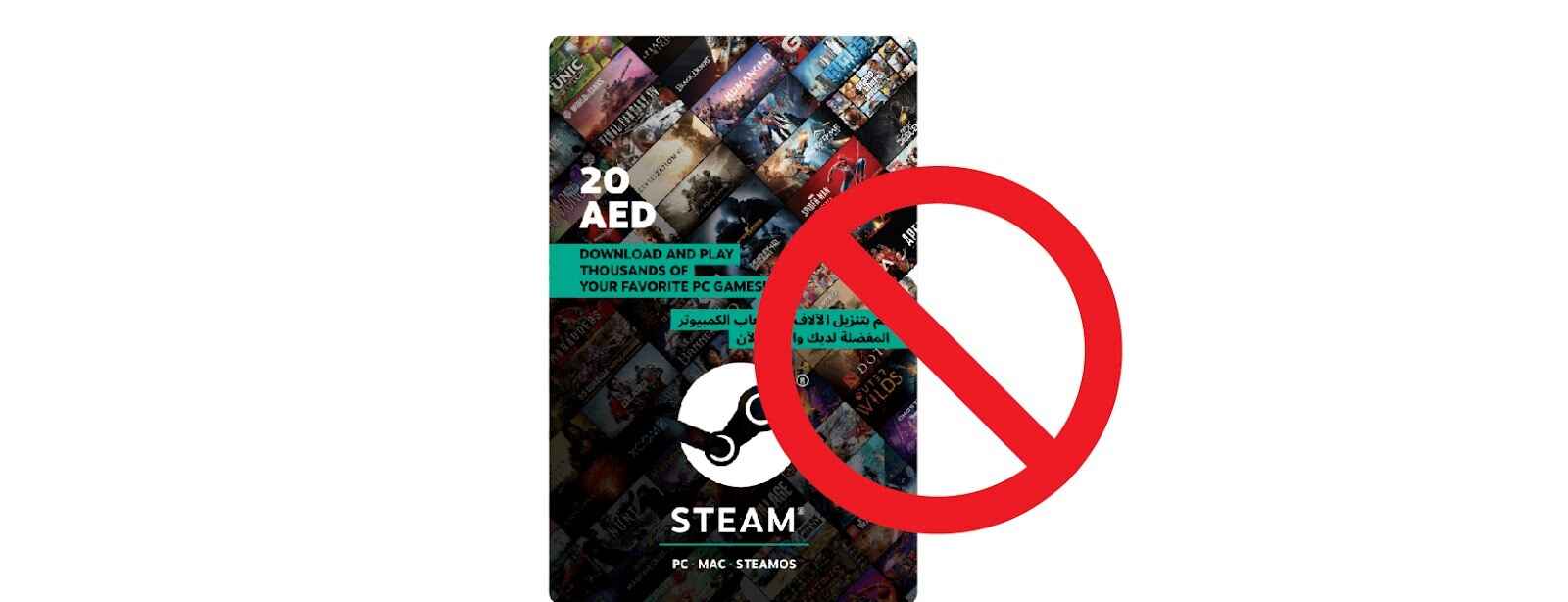
Most Common Steam Gift Card Errors and How to Fix Them
This is where most users find their answer. Below are the most frequently reported Steam card errors in 2026, what causes them, and how to fix each one.
1. Steam Gift Card Not Activated
You enter the code and Steam tells you the card isn't activated. This is more common with physical cards bought from retail stores. This happens because the cashier at the store didn't activate the card at the point of sale.
How to fix it:
1. Go back to the store where you bought the card with your receipt
2. Ask the cashier or store manager to activate it at the register
3. If the store refuses or can't help, contact Steam Support with your proof of purchase
4. Always inspect physical cards before leaving the store. Check that the activation sticker is intact
2. Steam Card Error: Invalid Code
An invalid code error means Steam doesn't recognize what you've entered. This looks alarming but is usually a simple fix. This happens commonly because some characters are mistyped or missed or the card format doesn't match your Steam region.
How to fix it:
1. Re-enter the code slowly and carefully
2. Use copy-paste if you receive the code digitally
3. Make sure there are no extra spaces before or after the code
4. Try redeeming through the Steam desktop app instead of the browser or mobile
If the code still shows as invalid after double-checking everything, the card may not be legitimate. Stick to authorised retailers to avoid this problem entirely.
3. Steam Gift Card Code Already Used
You scratch the card, enter the code, and Steam tells you it's already been redeemed. This one stings, especially when you just bought the card. It is happening because your card was used before you received it.
How to fix it:
1. Check your Steam wallet transaction history first. The redemption might have gone through without you realizing.
2. If you buy the card from a physical store, return it to the retailer with your receipt
3. If the card came from an online seller, contact them directly
4. As a last resort, reach out to Steam Support with proof of purchase
Always buy Steam gift cards from trusted and verified sources. Unofficial resellers are the leading cause of already-used card issues.
4. Steam Gift Card Not Accepted in Your Region
Regional errors are increasingly common, especially for users in Nigeria and across Africa. A Steam gift card sold in the US, for example, may not work on an account based in Nigeria.
How to fix it:
1. Check the card packaging or purchase email for any region label
2. If the card is region-locked and doesn't match your account, redemption may not be possible
3. Contact the seller before purchase to confirm the card's region compatibility
4. If you're already stuck with a region-locked card, selling it is your most practical option
Region-locked cards that can't be redeemed don't have to go to waste. If you're in Nigeria and you're holding a card that won't work on your account, you can trade it on Cardgoal and get naira in return.
5. Steam Gift Card Balance Issues
Sometimes the card redeems without any error, but the balance behaves unexpectedly, it doesn't show up, shows a lower amount than expected, or disappears after adding. This can happen when your card is redeemed on the wrong account or due to a partial redemption that occurred previously.
How to fix it:
1. Wait 5–10 minutes and refresh your Steam wallet page
2. Log out completely and log back in to force a balance update
3. Check your Steam transaction history under Account Details to confirm the redemption went through
4. Verify you're logged into the correct Steam account
5. If the balance is lower than the card's value, check if a previous partial redemption occurred
If the balance still doesn't reflect correctly after 30 minutes, contact Steam Support with the card details and any redemption confirmation you have.
6. Steam Card Error: Too Many Redemption Attempts
If you've tried entering a code multiple times without success, Steam may temporarily block further attempts on your account. Multiple failed redemption attempts trigger Steam's fraud detection system. This is a security measure built to prevent automated abuse.
How to fix it:
1. Stop attempting to redeem the code immediately
2.Wait at least 24 hours before trying again
3. Use the waiting time to double-check the code you have
4. If the block continues beyond 24 hours, contact Steam Support
This error is temporary and resolves on its own in most cases. The fix here is simply to wait it out.
What to Do When Steam Gift Card Errors Persists?
Once you've worked through the fixes above, you're left with two practical options. Either contact Steam Support or sell Steam gift card. Here's how to decide.
Contact Steam Support if:
• Your card shows as already redeemed but you never used it
• You have a valid proof of purchase to back your claim
• The error appears to be on Steam's end, not the card itself
• Your account has been temporarily restricted due to too many attempts
Steam Support can look into redemption history on their end and, in genuine cases, issue a resolution. The process takes time, so be prepared to wait.
Consider selling the card if:
• The card is region-locked and won't work on your account
• You received it as a gift but don't use Steam
• You'd rather convert it to cash quickly instead of going through a lengthy support process
• The card is in good condition but simply isn't useful to you
If selling makes more sense, gift card trading on Cardgoal is a straightforward option. You can trade your Steam gift card for naira without any complicated steps, and the process is fast and secure.
Frequently Asked Questions
1. Why is my Steam gift card not working?
The most common reasons are an invalid code, a region mismatch, or a card that has already been redeemed. Start by re-entering the code carefully and checking your Steam transaction history. If the issue continues, contact Steam Support with your proof of purchase.
2. How do I fix an invalid Steam card error?
Re-enter the code slowly and make sure there are no typos or extra spaces. If you received the code digitally, use copy-paste to avoid manual errors. If the invalid code error persists, the card may not be legitimate — contact the seller or Steam Support.
3. Can a Steam gift card error be caused by regional restrictions?
Yes. Steam gift cards are often region-locked, meaning a card purchased in the US may not work on an account based in Nigeria or other regions. Always confirm the card's region compatibility with the seller before purchasing.
4. Can a Steam gift card expire?
Steam gift cards do not have an expiry date, so an expired card is rarely the cause of a Steam card error. However, if a card has been unused for a long time, it's worth verifying its status with the retailer you purchased it from.
5. Why am I getting a "too many redemption attempts" Steam card error?
Steam temporarily blocks redemption attempts on accounts that have had multiple failed tries in a short period. This is a fraud prevention measure and is not permanent. Wait 24 hours before trying again and double-check your code in the meantime.
6. Can I sell my Steam gift card if it's not working in my region?
Yes. If your Steam gift card has a region restriction that prevents you from redeeming it, selling it is a practical alternative. Platforms like Cardgoal allow you to trade your Steam gift card for naira quickly and securely.
7. Where is the best place to sell a Steam gift card in Nigeria?
Cardgoal is one of the most trusted platforms for gift card trading in Nigeria. The process is simple, payouts are fast, and the platform is designed specifically for Nigerian users looking to convert gift cards to naira.
Conclusion
Steam gift card errors are common, but the majority of them have straightforward solutions. Whether you're dealing with an invalid code, a region restriction, an unactivated card, or a balance that won't show up, the fixes in this blog cover all the likely scenarios.
If you've tried everything and the card still isn't working, or if you simply want to turn it into cash without the back and forth, the best app to sell gift cards in Nigeria is Cardgoal. Trade your Steam gift card securely and get paid in naira, fast.